
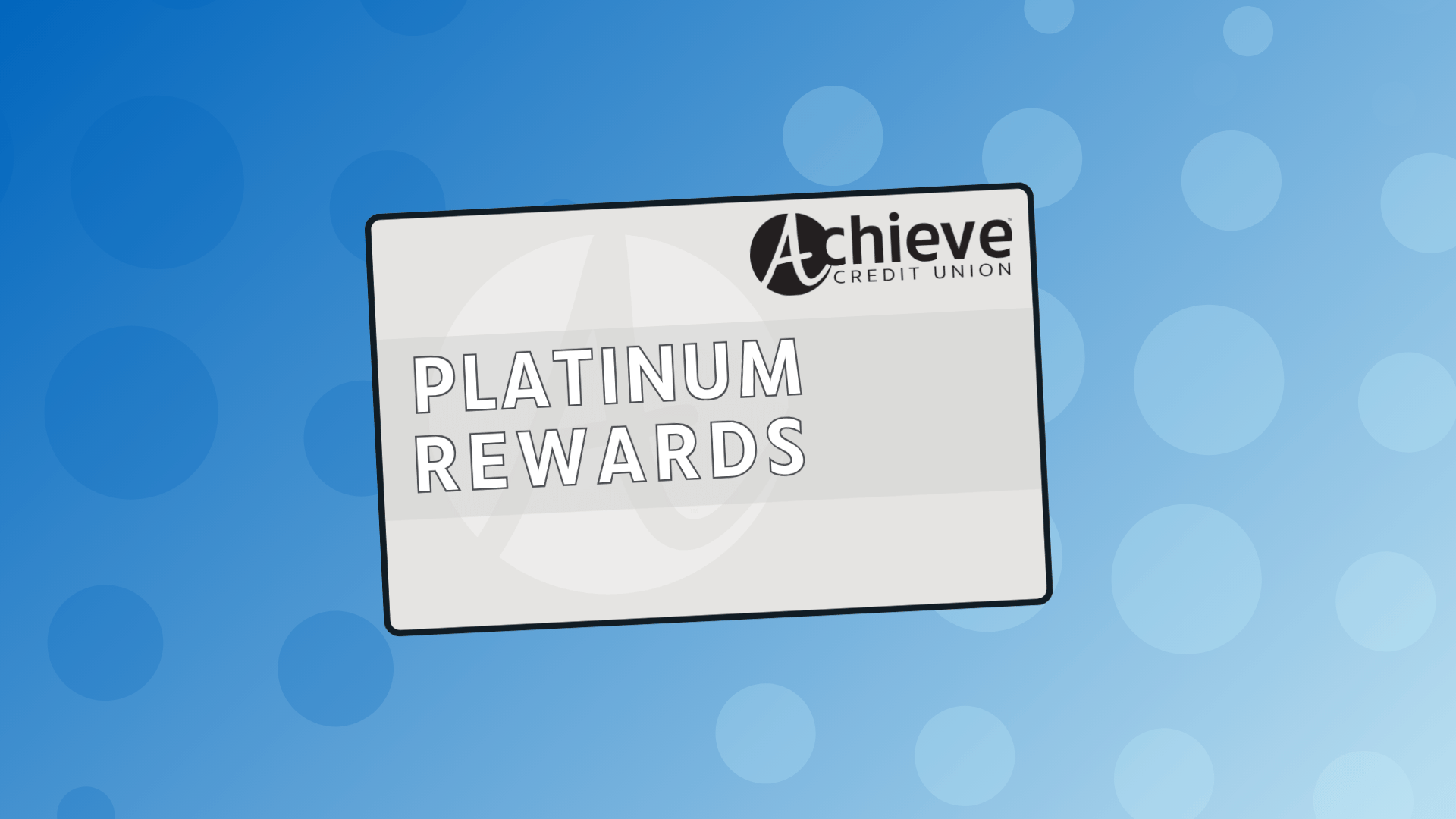
Credit Card
Conversion
What You Need to Know
To enhance our product offerings to our members, Achieve Credit Union is upgrading to a NEW credit card processor and launching a NEW credit card rewards program starting in October 2026.
What This Means for You
1. Check the number on your current Achieve VISA credit card. Your next steps depend on which card you have.
Card starts with 4409: You'll get a new card in the mail. Here’s what to expect →
Card starts with 4066: No action needed on your card. It keeps working until it expires.
2. Redeem your ScoreCard Rewards points by September 30. They don’t transfer to the new rewards program and expire permanently afterwards.
3. Confirm your payment method for paying your VISA credit card balance and any autopay transactions to merchants (subscriptions, utilities, etc…). Due to this conversion, all cardholders with monthly automatic payments will need to update or verify payment information.
Key Dates Coming Up (2026)
| Date | What's Happening |
|---|---|
| September 14 | New VISA credit cards mailed out. Any members receiving new cards due to this conversion should receive them between 7-10 business days. |
| September 30 | Last day to redeem ScoreCard Rewards points. Points will not carry over to the new rewards program and will expire permanently. |
| October 16 | Last day to log into eZCard or online banking to review your account or make a payment. Payments must be made by 6:00 PM. After this time, cards are temporarily removed from online banking. |
| October 16 | VISA credit cards starting with 4409 become inactive. |
| October 19 | Payments and access to credit card information via online banking resume. |
| October 28 | Enroll online in the new Platinum Rewards program between October 28 and November 30, and you’ll earn 500 bonus points! Card transactions made from October 16 onward are eligible for points. |
NEW for VISA Credit Cards
Tap to Pay: Look for the contactless symbol on the payment terminal. Tap and go for easy payments.
EMV Chip: A built-in chip adds security against fraud. Your card will still have a magnetic stripe.
Simple Transaction Views: See your purchases, payments, and statements in Achieve Online Banking.
How to Prepare
If Your Card Starts With 4409…
Redeem your ScoreCard Rewards points by September 30. See "NEW Platinum Rewards Program” below.
Activate your new Platinum Rewards card by October 15. Instructions come with the card.
Confirm your method for paying your card balance. All cardholders with monthly automatic payments will need to update or verify payment information. Please contact Member Support at (440) 324-3400 if you need assistance.
Update any autopay before October 16. Your card number, CVV, and expiration date are changing. Contact any merchant that bills your card automatically and give them the new information.
If Your Card Starts With 4066…
Redeem your ScoreCard Rewards points by September 30. See "NEW Platinum Rewards Program" below.
Confirm your method for paying your card balance. Due to this conversion, all cardholders with monthly automatic payments will need to update or verify payment information - whether you receive a new card or not. Please contact Member Support at (440) 324-3400 if you need assistance.
No card action needed right now. Your current Achieve VISA credit card keeps working until it expires. You’ll receive a new card prior to the expiration date.
NEW Platinum Rewards Program
Starting October 28, you’ll have a new rewards program for your Achieve Credit Union VISA Platinum Rewards credit card.
Platinum Rewards lets you redeem points on your credit card purchases to use toward cash back, shopping, travel, event tickets, gift cards, and more!
Transition from ScoreCard Rewards to Platinum Rewards
Before September 30…
Log in to your ScoreCard account and redeem all points by September 30.
Points not redeemed by September 30 will NOT carry over and will expire permanently.
If you choose cash back, it will appear as a credit on your October statement, mailed to you in November.
Starting October 28…
Enroll online in the new Platinum Rewards program. We'll email you the instructions in October so you’re ready!
When you enroll online between October 28 and November 30, you’ll earn 500 bonus points to use toward cash back, shopping, travel, and more!
Credit Card Conversion FAQs
What to Expect
If your current card starts with 4409:
You and any joint account holders will get a new card between 7-10 business days after September 14. It will look similar to your current card. Your card number, CVV, and expiration date will change.
If you plan to use your card at an ATM, you'll need a PIN. Call 800-451-6315 to request one by mail.
If you have automatic payments set up on your current card, contact each merchant to update your payment information. This helps avoid a missed payment.
If your current card starts with 4066:
Keep using your current card until it expires. You'll get a new card at that time.
If your current card starts with 4409, expect your new card 7 to 10 business days after September 14, 2026.
Yes. Activate your card no later than Thursday, October 15. Follow the instructions included with your card.
Cards mailed in this round keep your current design. Starting November 2026, new Visa Platinum Rewards cards will have a refreshed design.
Once your new card is active, destroy your old card.
No. Your interest rate and other account terms stay the same.
Yes. After October 16, use these numbers to report a lost or stolen card, or fraud:
In the U.S.: 888-241-2510
Outside the U.S.: 909-941-1398
Save your statement copies now, online or printed. Limited card history carries over after the conversion. Starting October 19, you can view transactions from September 28 forward in Achieve Online Banking and the mobile app.
Payments
Contact each merchant with your new card number and expiration date after you receive and activate your card. This keeps recurring payments, like phone, electric, gas, insurance, or club dues, running without interruption.
No. Your due date stays the 21st of each month.
Starting October 16, eZCard will no longer work for bill pay. You can pay your statement these ways:
AutoPay: automatic payment from your Achieve checking or savings account
Pay Online: a one-time payment through Online Banking
Pay by Phone: call in your payment
Pay by Mail: mail your payment
Pay In-Branch: pay at any Achieve branch or Shared Branching location
Yes. If you have automatic payments set up, update or verify your payment information. Call Member Support at 440-324-3400 if you need help.
Rewards Program
ScoreCard rewards is ending, and our credit card rewards program is moving to a new provider. Redeem all your points by Wednesday, September 30. Points not redeemed by then expire permanently.
If you're in the cash back program, expect a final rewards credit on your October statement, delivered in November.
No. You start earning points the first time you use your new card. You do need to register your card to monitor your points activity and redeem points.
We'll email you registration instructions before October 28. You can also call Member Support at 440-324-3400 or visit any Achieve branch for help registering starting October 28.
Anywhere your Visa credit card is accepted. Some retailers offer extra points on purchases made in their stores or online.
Digital Wallet
Yes, tokenization starts on the conversion live date (October 16). It lets you add your Achieve Visa Platinum Rewards card to digital wallets like Apple Pay®, Google Pay™, and Samsung Pay™. Tokenization replaces your card number with a digital token, adding security to mobile and online purchases.
Activate your new card before adding it to a digital wallet. Tokenization works with all major mobile wallet platforms once live.
Other Questions
If you receive a new card in the mail, you must activate it no later than Thursday, October 15, as part of this conversion.
View your purchases, payments, and statement history in Online Banking going forward. eZCard access ends Friday, October 16. You may also notice a new look for your statements.
Any Questions?
We understand you may have concerns about what’s next and how to prepare.
Our Member Support team is here to help you. In branch. On the phone. Online.
Get in touch with us!
Visit A BranchStop by your local branch, and we’ll be happy to help you!SEE LOCATIONS |
Talk With UsCall (440) 324-3400 to speak with our Member Support team.CALL US |
Send A MessageSubmit a message online from any device.Message Us |